Pick 13: General Knowledge 2
A downloadable game for Windows, macOS, and Android
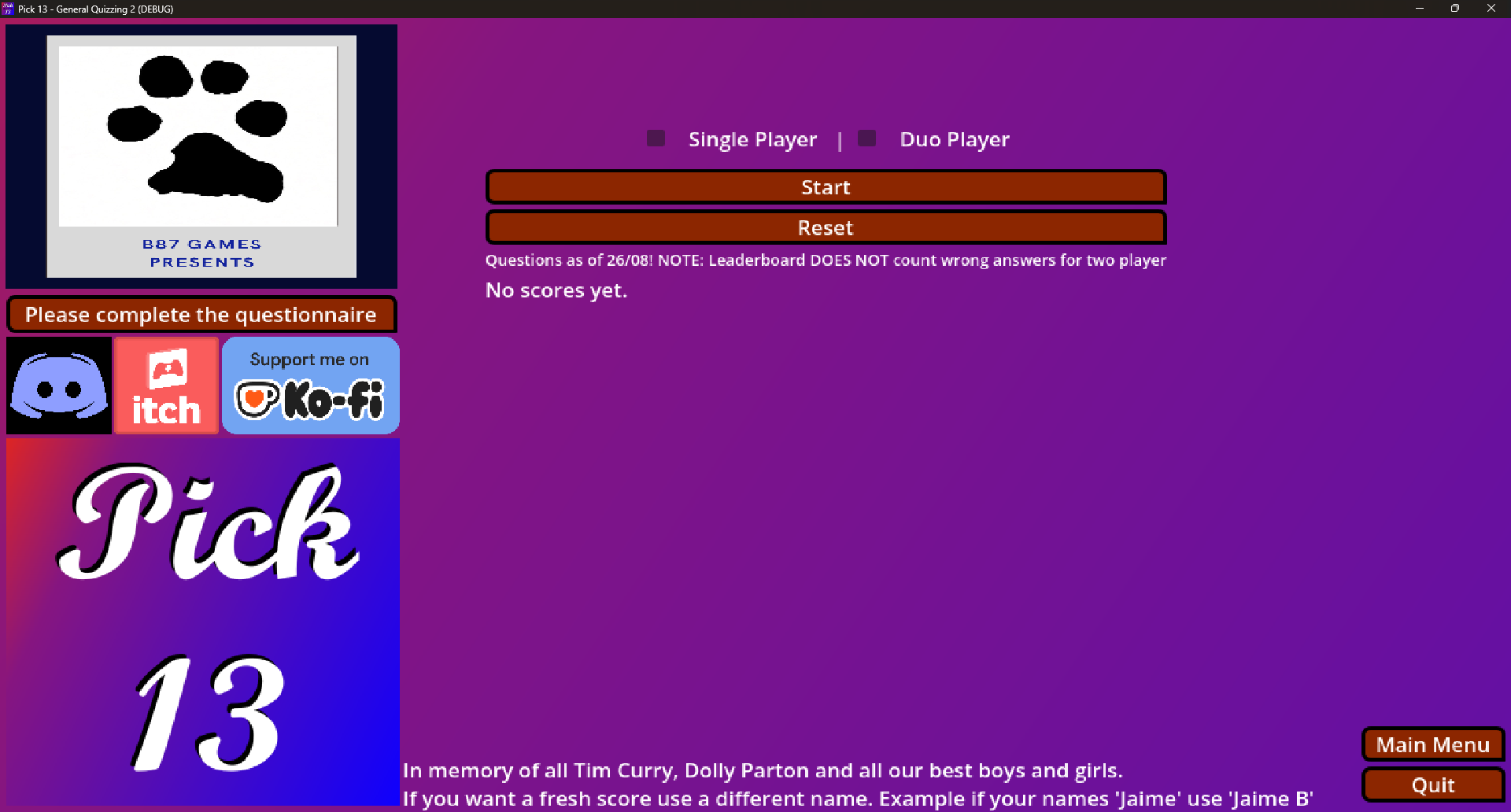
Pick 13 is a quiz based game which now has a multiplayer option to compete against your friends in couch competition.
The categories include two greats who have sadly left us the stunning Dolly Parton singer and songwriter with a massive list of music and the ever sweet Tim Curry a workhorse in acting. My thoughts and prayers to both there families and it's important to celebrate their brilliant life and works.
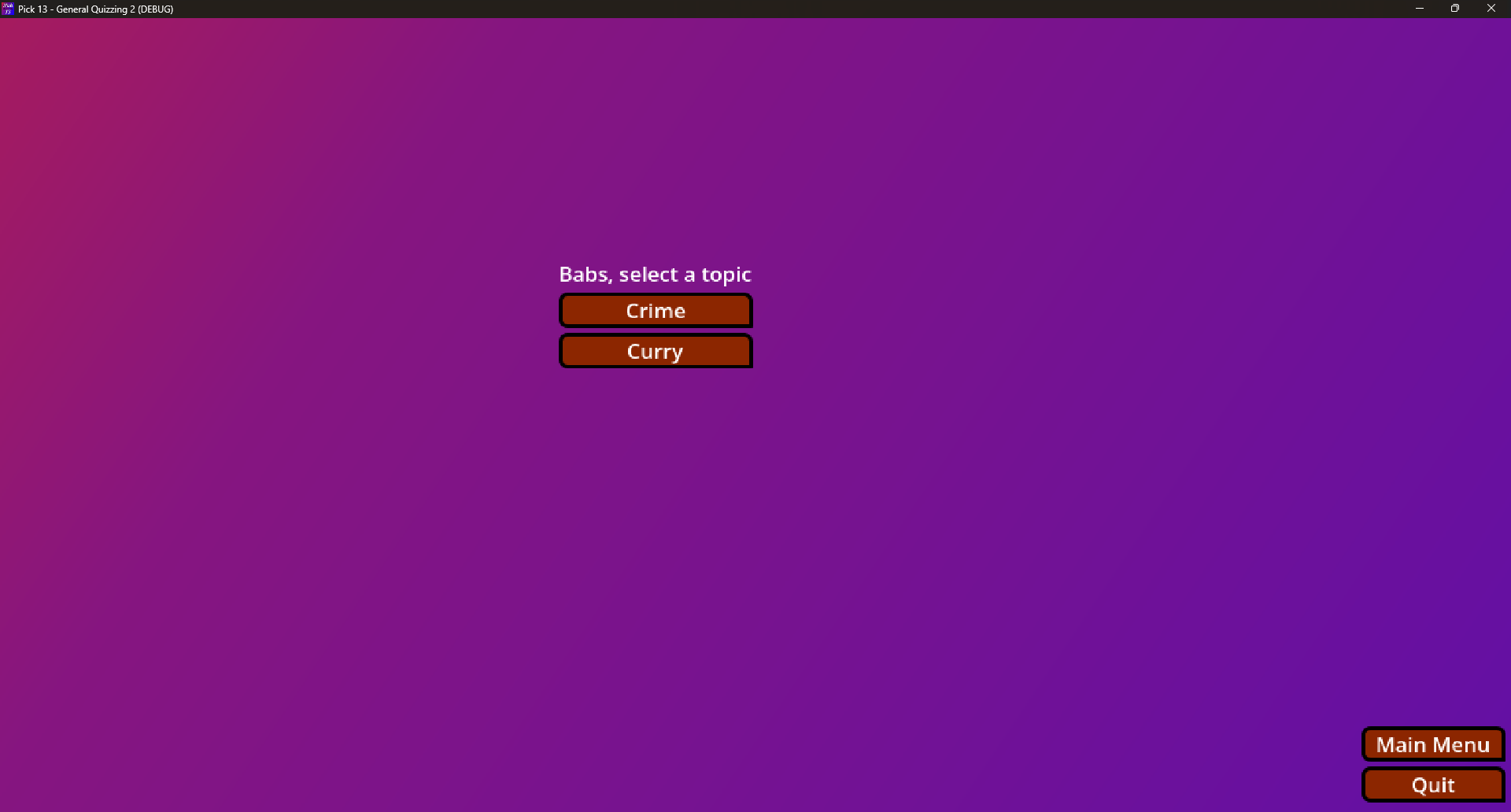
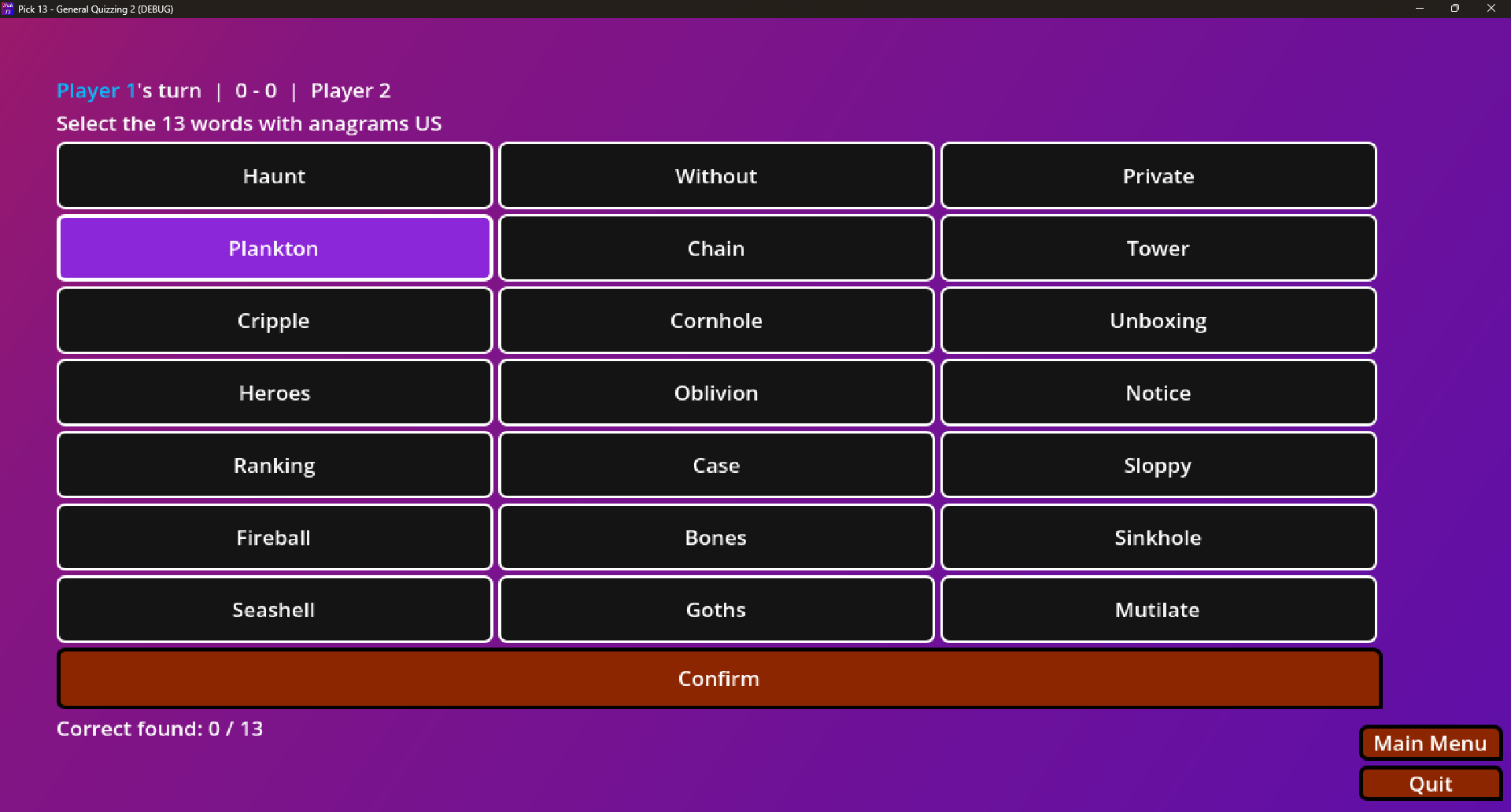
The other categories are Sport Personalities, US English(Anagrams), TV(Will and Grace), Tarot, Bones, Crime, The Bard and Animals.
Tell us your thoughts about the game after trying it: https://forms.gle/Nr9BQD56Ku99NnZQ8
Download
Install instructions
Recommended Method (Easiest for Everyone)
Download and use the official itch.io app: 👉 https://itch.io/app
The app automatically handles downloads, updates, and most security warnings on both Windows and Mac. It's nice and easy to install the app, sign in, find the game, and click Install.
Manual Download (Without the itch.io App)
PC (Windows)
- Download the Windows version of the game (it will be a .zip file).
- Right-click the ZIP file and select Extract All... Extract it into a new empty folder. (7-Zip, UNRAR etc...)
- Open the extracted folder and double-click the game’s .exe file to play.
If Windows shows a security warning:
- Click More info.
- Then click Run anyway.
This warning appears because the game wasn’t downloaded through the Microsoft Store.
It’s normal for indie games from itch.io and is safe as long as you downloaded it from the official page.
Mac
- Download the Mac version of the game (it will be a .zip file).
- Double-click the ZIP to extract it. You’ll get a folder containing the game (usually ending in .app).
- Try opening the game by double-clicking it.
If you see a security warning:
- Quick fix: Control-click (or right-click) the game’s .app icon → choose Open → click Open again in the popup.
- Alternative: Go to System Settings → Privacy & Security, scroll down, and click Open Anyway next to the blocked app message.
You only need to do this once. After that the game should open normally.
Tip: I strongly advise using the itch.io app on both PC and Mac — it avoids almost all of these extra security steps.
ANDROID - THIS IS FOR TESTING PURPOSE ONLY I WILL FIGURE OUT WAYS TO LIST HOW TO DOWNLOAD IN THE FUTURE

Leave a comment
Log in with itch.io to leave a comment.